

1The buyer asks you something, you look back, and a basket is missing. Or you wrote one basket twice.
Every basket has a number. Wrong tap? Undo, and the count is right again.
Basket on the scale, type the kilos. The app adds them up and shows the money right away. You weigh on one phone, the buyer on another, and both sides end up holding the same number.
★★★★★ 5.0 on the App Store in Vietnam · 9 ratings (10/2026)
Our family's ponds in Cà Mau, seen from a drone
Morning of Oct 8, 2026 · our ponds
The crew hauls the net, scoops the shrimp into baskets and brings them to the scale. On the bank, two people, two phones, weighing at the same time.
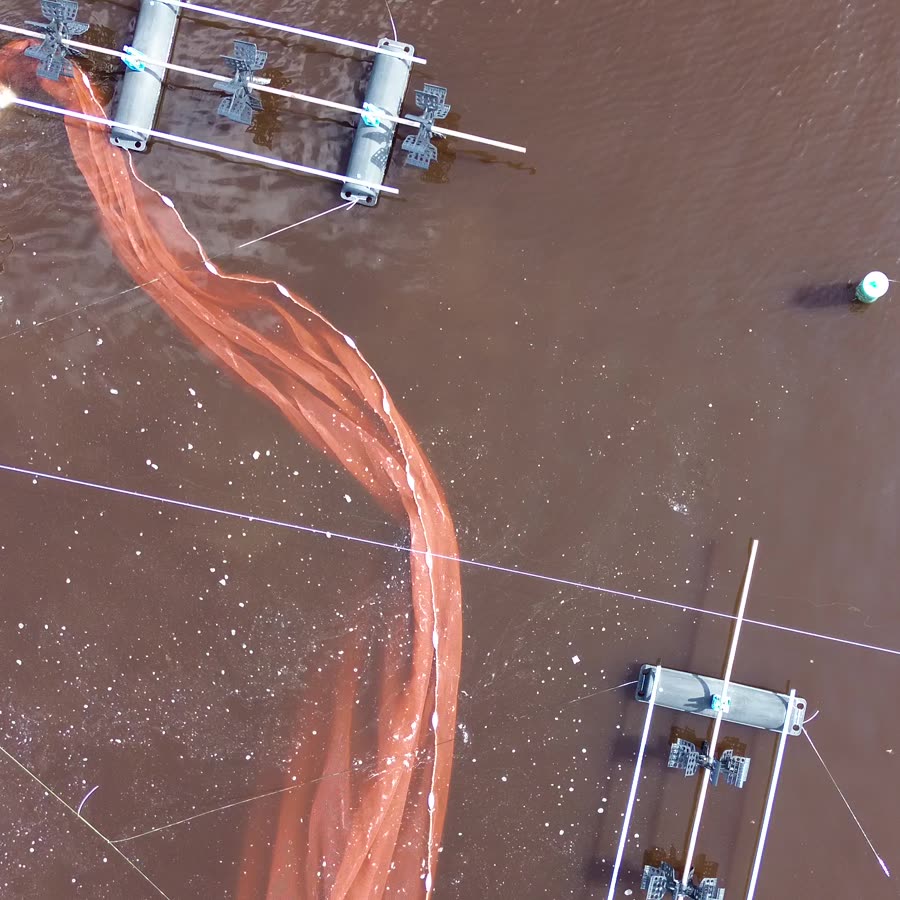
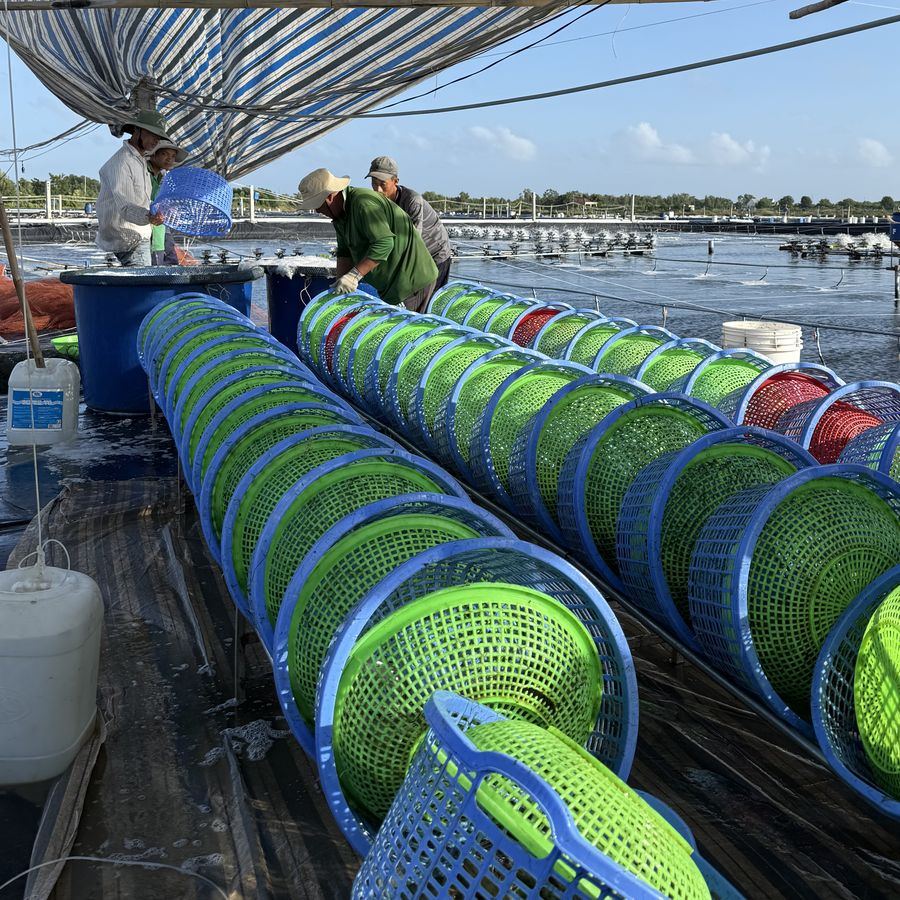

Real photos at our ponds, nothing staged.
Back when it was all on paper
Five hundred baskets written by hand, added by hand. One basket off and both sides argue until noon.
1The buyer asks you something, you look back, and a basket is missing. Or you wrote one basket twice.
Every basket has a number. Wrong tap? Undo, and the count is right again.
2Adding each column on a calculator. One column off and several rows are off, and so is the money.
As you type, the app adds up the kilos and the money.
3Rain, wet paper, running ink. Nobody can prove who is right.
The book lives in the phone, the rain can't touch it. The ticket goes by phone, and both sides keep a copy.
1Basket on the scale
Type exactly what the scale shows, up to two decimals. Nothing gets rounded off.
Go on, try the keypad. Same as at the pond.
However you weigh, the app keeps up:
2Two phones at once
You weigh on one phone, the buyer on another. When you finish, scan each other's code. The app points to the exact basket that differs, by how many kilos, and how much money.
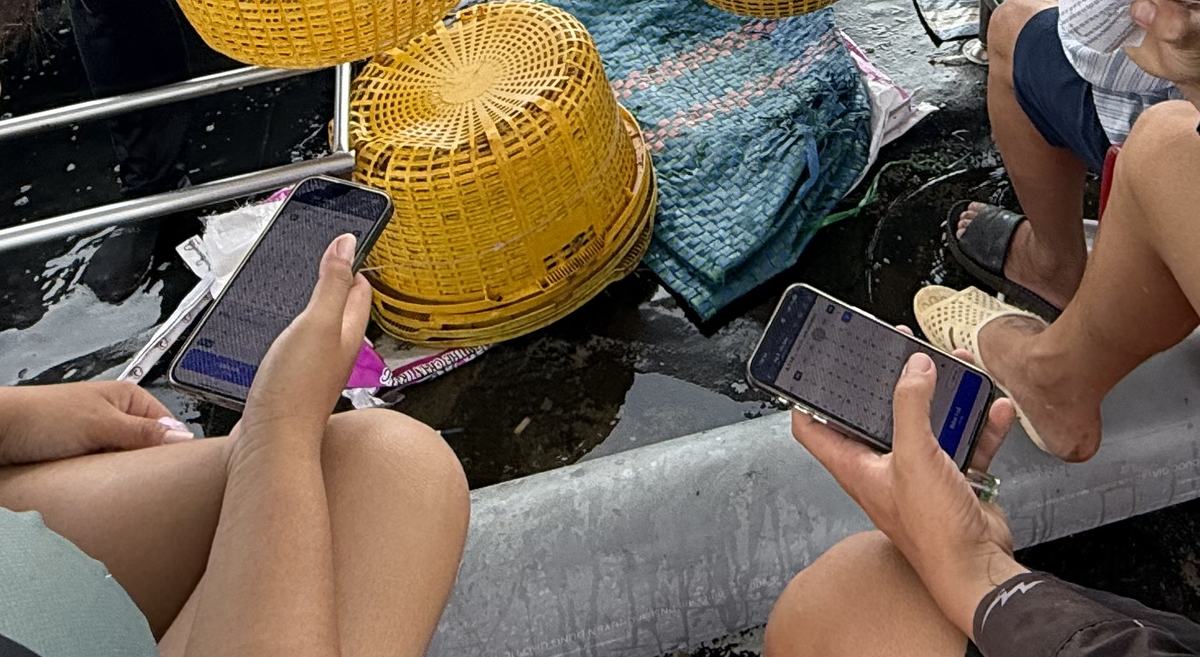
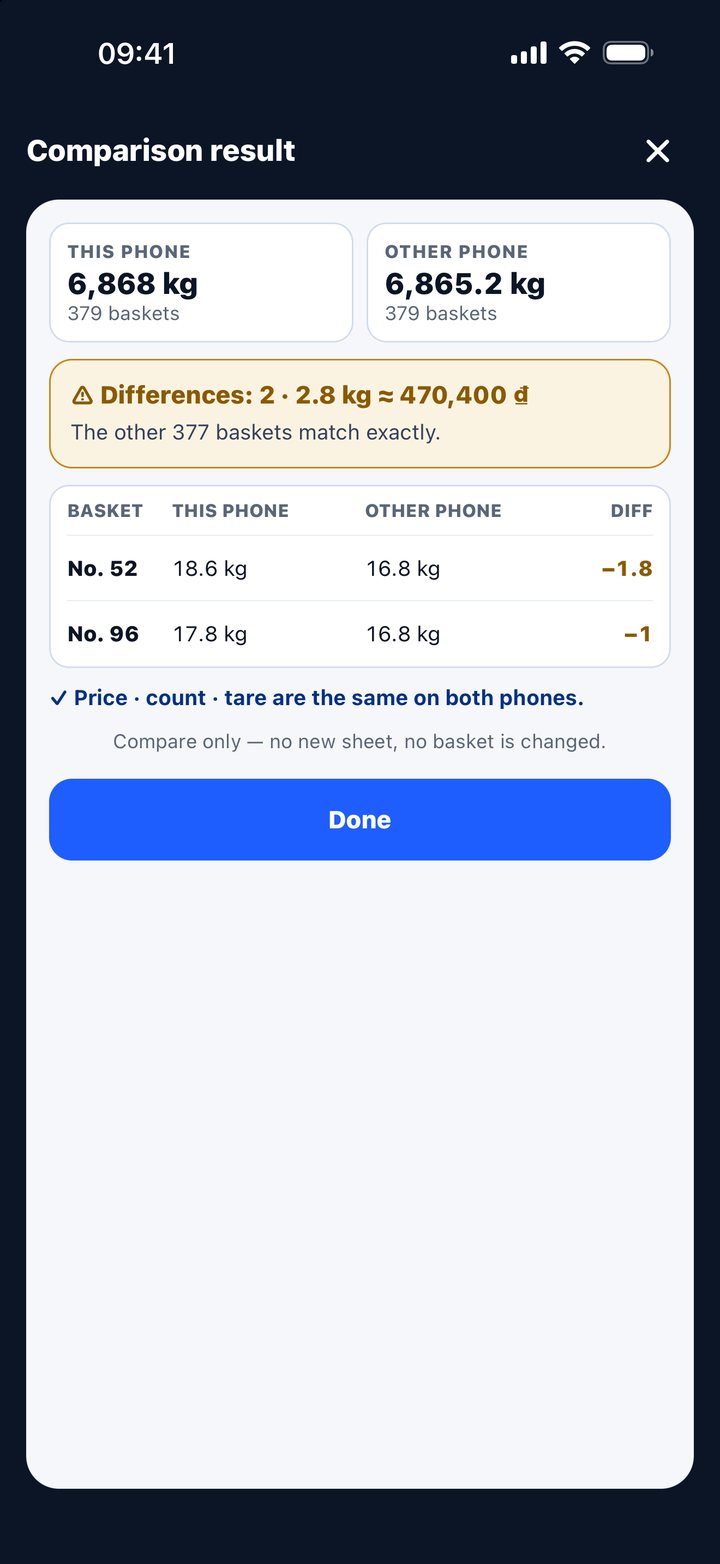
2 differences · 2.8 kg≈ 470,400 ₫. The other 377 match.
The free version does this too.
No eraser
Change a basket and the app logs the time, the old number and the new one. No line can be edited or deleted.
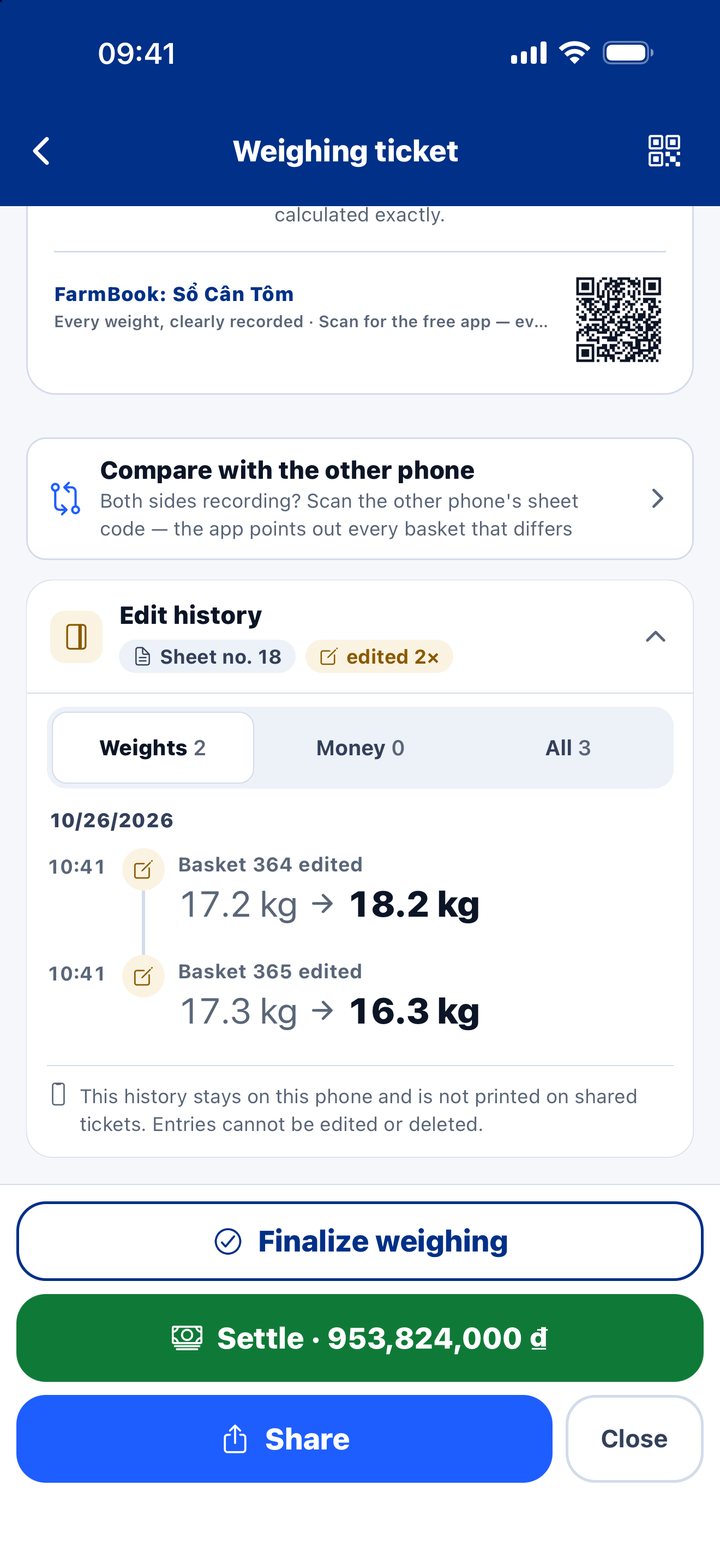
The free version has it too.
3Count the money
Enter the price for the size once. The app multiplies the kilos, takes off the tare and the deposit, and shows the balance due.
Weighing ticket · 379 baskets · count 21 pcs/kg
Billed weight6,868 kg
× Price168,000 ₫/kg
= Amount1,153,824,000 ₫
− Deposit received200,000,000 ₫
Balance due953,824,000 ₫
No price set yet? The ticket shows “—”. It never prints 0 ₫, so nobody thinks it’s already paid.
4Scan and pay
The ticket carries a bank-transfer QR for the exact balance due. The buyer opens a banking app, scans, done. Whatever phone the buyer has, the ticket gets there.
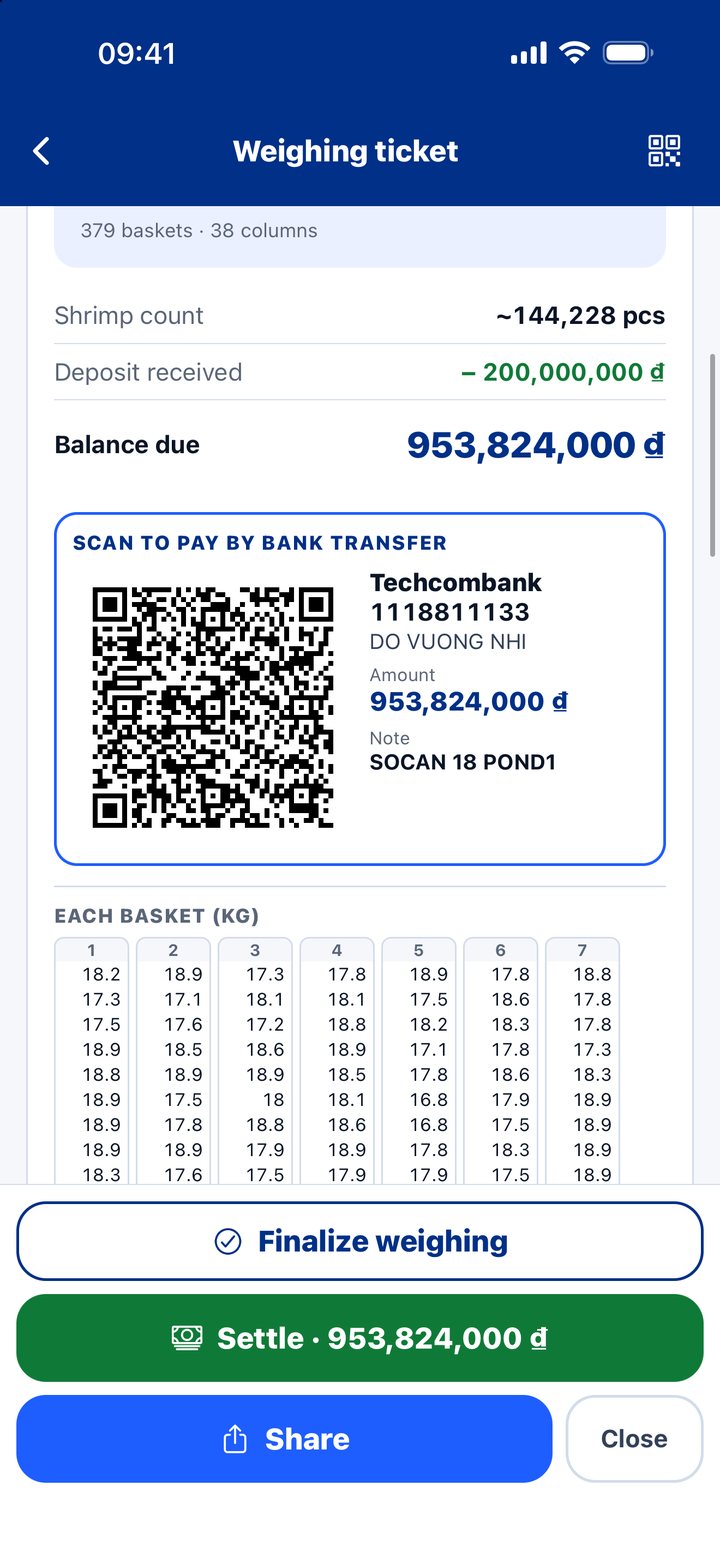
Every ticket for a sale: free.
Updated
Same app, same book. Turn it sideways, fold it or open it, and the app fits the screen. Buttons stay big, numbers stay where your thumb expects.
 iPad
iPhone Duo · open, landscape
iPhone Duo · folded
iPhone Duo · open, portrait
Real app screens. The iPhone Duo screens show the Vietnamese version.
5Back home
Four things for people who weigh a lot, in the Pro plan.
After every finalize, the book backs itself up to your own iCloud or Google. New phone, tap Restore, and it's all back.
Hand the phone to your crew. Deleting a sheet, changing a price or settling up takes the owner's 4-digit code.
Output, revenue and price by size for every crop and every pond. FCR, survival rate, two crops compared. The crop report fits on one page, sent as a picture or PDF.
A home-screen widget shows today's kilos and money. Compare buyers by what actually reaches your hand.
Crop report · only in Shrimp Weigh Book
Any scale app can add up kilos. So can Excel. But when the crop ends, a shrimp farmer needs more than one number: how many survived, how much feed they ate, what size they reached, which pond carried the crop. This is Uncle Khu’s crop 2/2026. Four ponds. Real numbers.
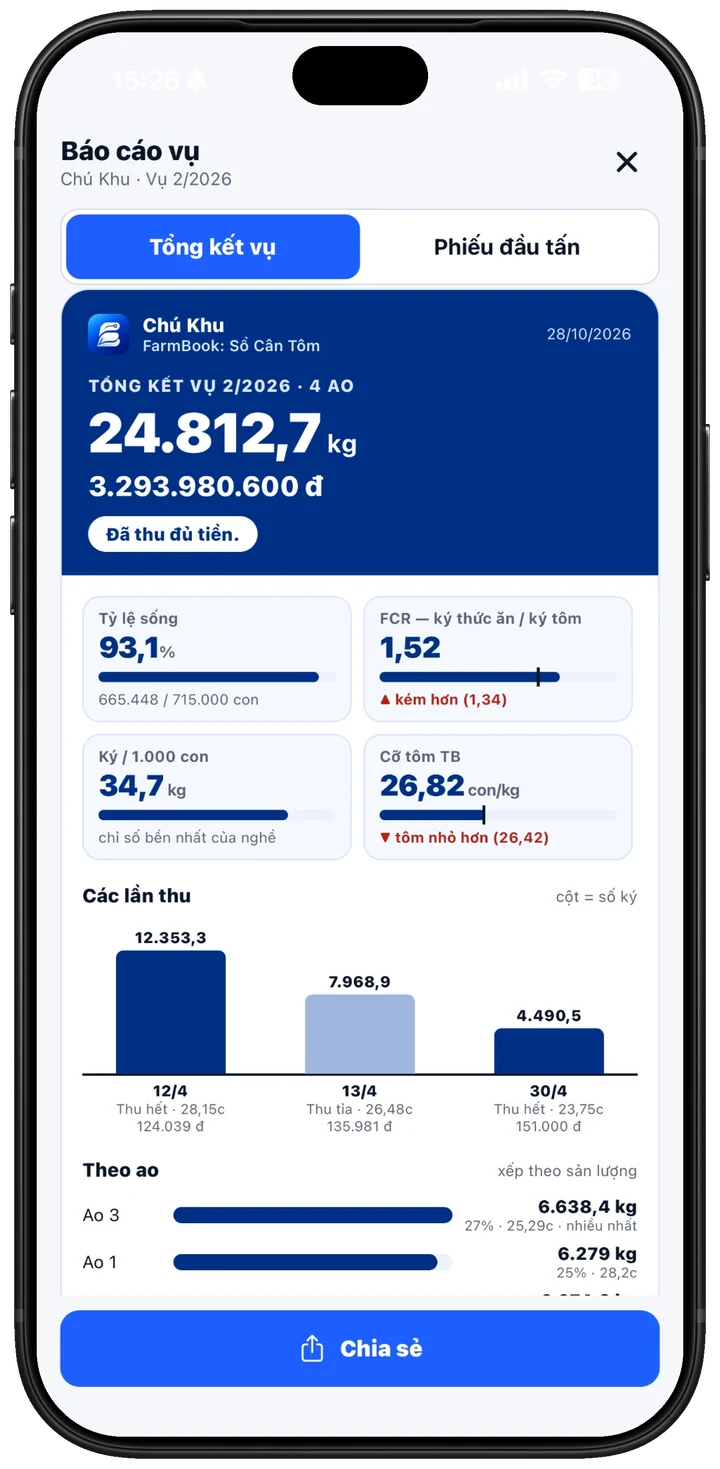
665,448 shrimp weighed out of 715,000 stocked. Enter the stocking count once. The app counts the rest.
1.52 kg of feed for every kilo of shrimp. Last crop: 1.34. The app marks it red, so you know where the feed went.
Good seed or poor seed, this number tells you. The steadiest figure in the trade.
Average size for the whole crop, next to last crop. Bigger or smaller, you see it at once.
Apr 12 final harvest 12,353 kg at size 28. Apr 13 partial 7,969 kg. Apr 30 final 4,491 kg at size 23.75, 151,000 VND. Bigger shrimp, better price, one row of bars.
6,638 kg, 27% of the crop. Ponds ranked by kilos, with size for each.
Sheets scattered over weeks: select them, assign one crop. Tidy again.
Crew pay per tonne by size band. No arguing.
The whole report as one image or one PDF.
Log the stocking date and fry count the day you stock. The app counts the days of culture. Add weighing sheets as you sell.
One bar: stocking day, harvest 1, 2, 3. How many days between harvests, at a glance.
Whiteleg over 1.4, black tiger over 1.6, and the app flags it. Too low, and it asks you to check the feed you entered.
Buyer book
Money rarely comes in one go. Deposits, instalments, a buyer who promises next week. The app remembers it all, person by person.
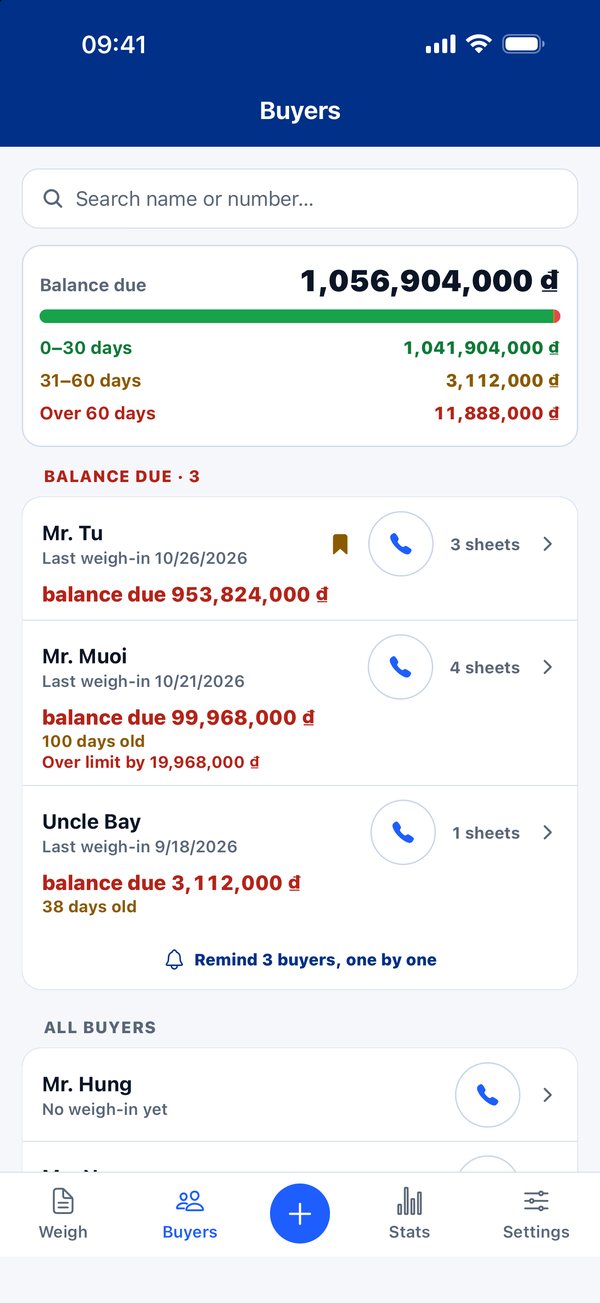
Debt in three drawers: under 30 days, 31–60, over 60. On-time payment rate per buyer, scored from your own book. Set a limit: go over and the app asks before you weigh more. One tap reminds them one by one.
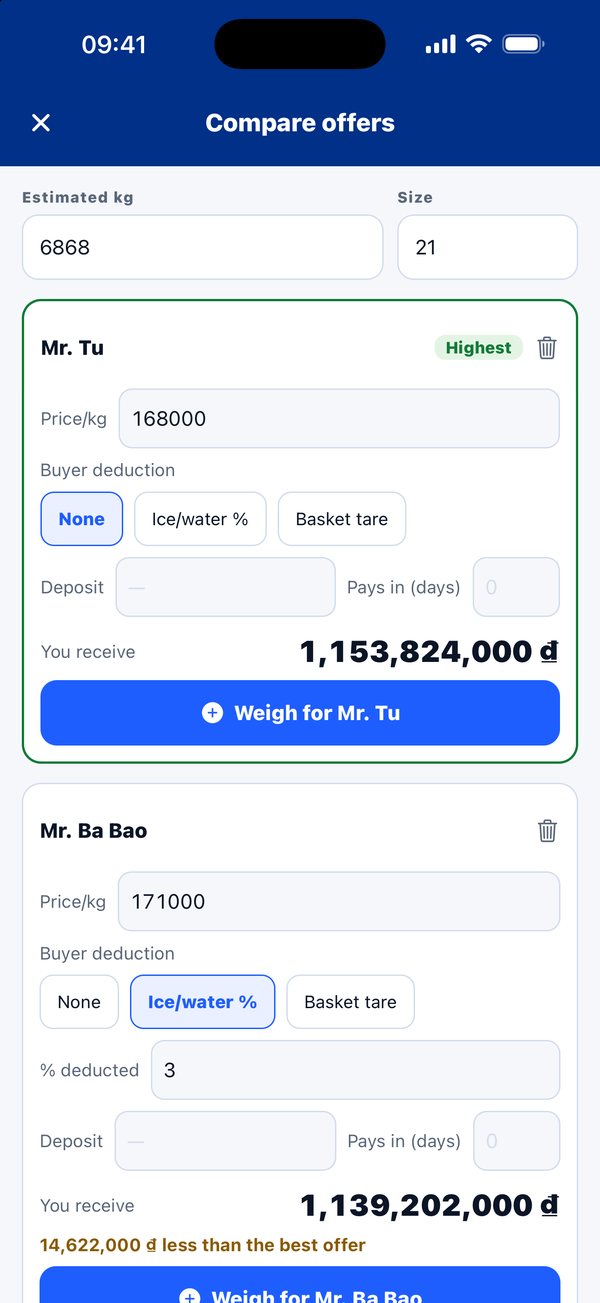
Three buyers, three prices, one deducts ice, one deducts baskets, one wants a deposit. The app turns it all into one number: money in your hand.
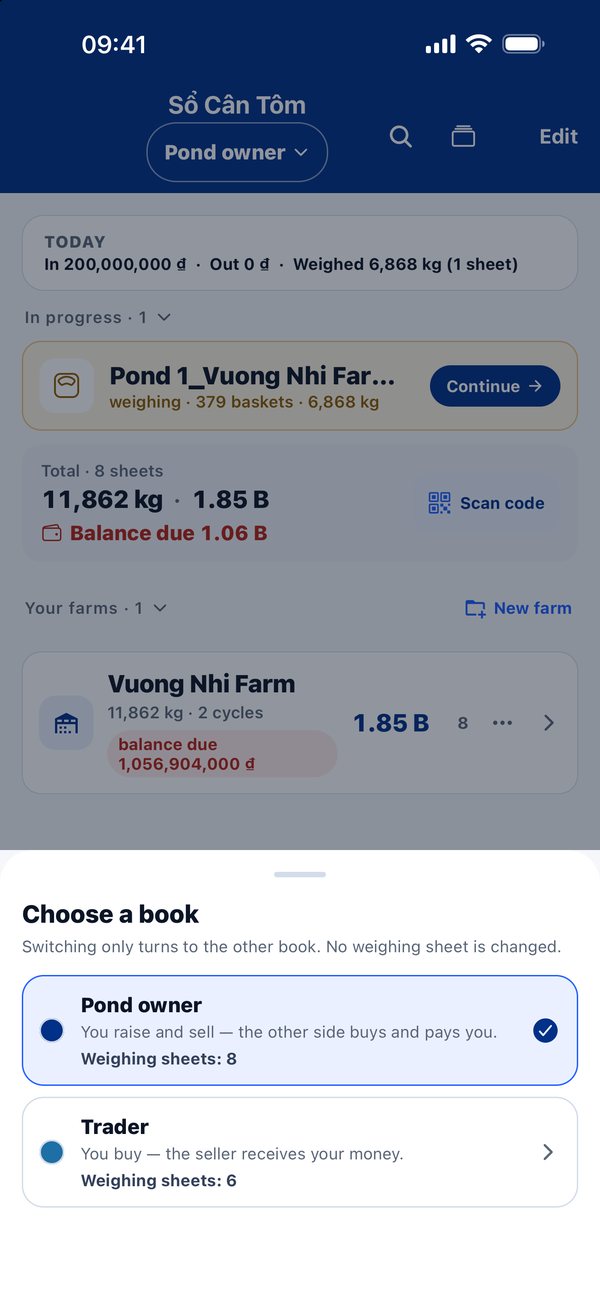
Farming? Use the Farmer book. Buying? Flip to the Buyer book. Kept apart, nothing mixed.
Excel can hold numbers. It doesn’t know how many shrimp you stocked, how much feed went in, partial or final harvest, which buyer pays late. Shrimp Weigh Book does. It was born at a shrimp pond.
Pro Crop report, debt book and buyer price compare are in Pro
In the press
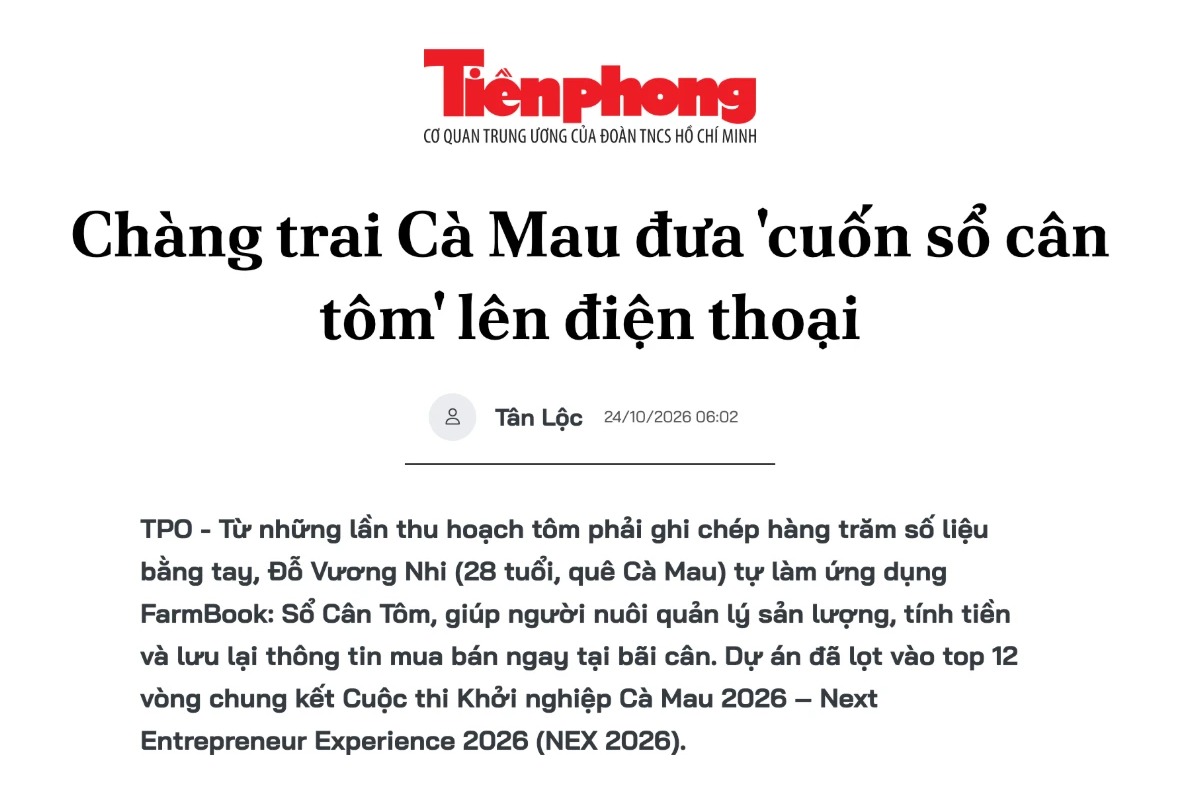 Tien Phong · Oct 24, 2026A Ca Mau farmer puts the shrimp weighing book on a phone
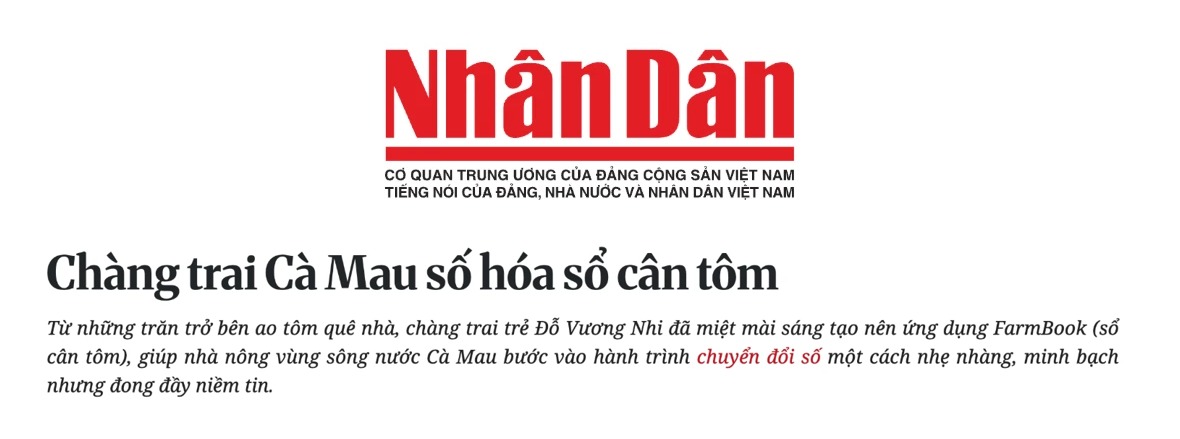 Nhan Dan · Oct 25, 2026A Ca Mau farmer digitises the shrimp weighing book
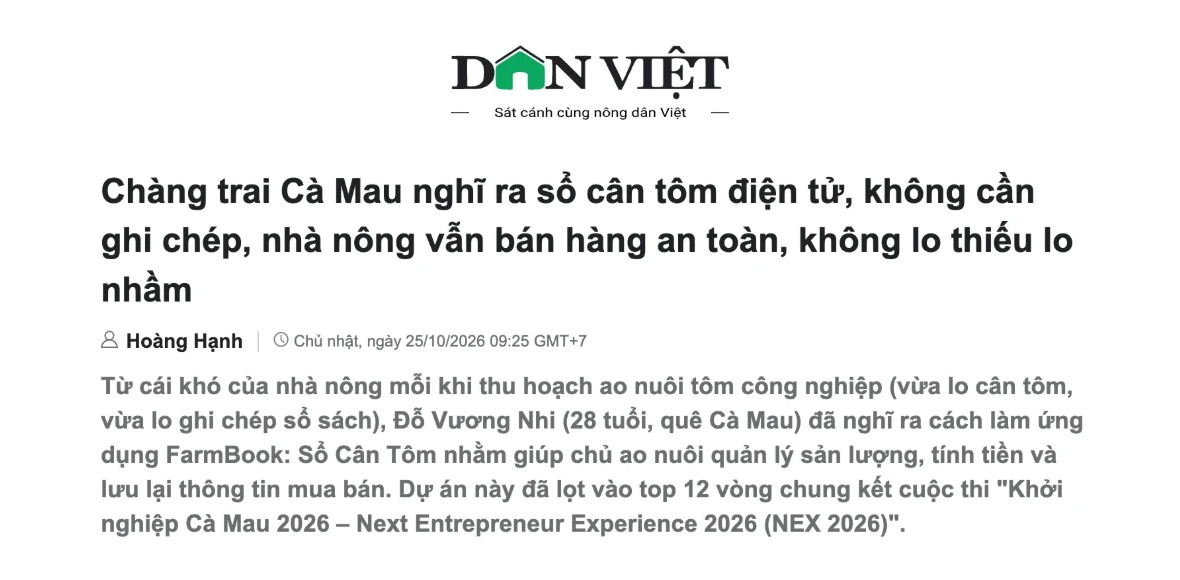 Dan Viet · Oct 25, 2026An electronic shrimp weighing book, no more pen and paper
What people say
Words from Vietnamese farmers, copied straight from the App Store, Google Play, TikTok, emails and messages. Kept in Vietnamese, word for word, with a translation underneath.
Tiện nhất là bấm tới đâu là hiển thị tổng số lượng đã cân và tính luôn số tiền tương ứng. Khỏi phải bấm máy tính.
Best thing is, as you tap, it shows the total weighed so far and works out the money too. No more calculator.
Thắng Lợi
Email · Sep 26, 2026
“Tôi đã giới thiệu app này cho rất nhiều bạn bè… App rất hay.”
I’ve recommended this app to lots of friends… A really good app.
Nhật Nguyễn
Google Play · Sep 4, 2026
★★★★★
“Ứng dụng tiện lợi, thông minh. Ghi chép nhanh, chính xác và xem thống kê dễ dàng.”
Handy, smart app. Quick, accurate records, and the stats are easy to read.
Cô Bé Nuôi Tôm
TikTok · Aug 2026
“Dạ bây giờ hiện đại, cân lúa cân tôm không cần viết tay nữa.”
Things are modern now. Weighing rice or shrimp, no more writing by hand.
Victor Le
Email · Aug 3, 2026
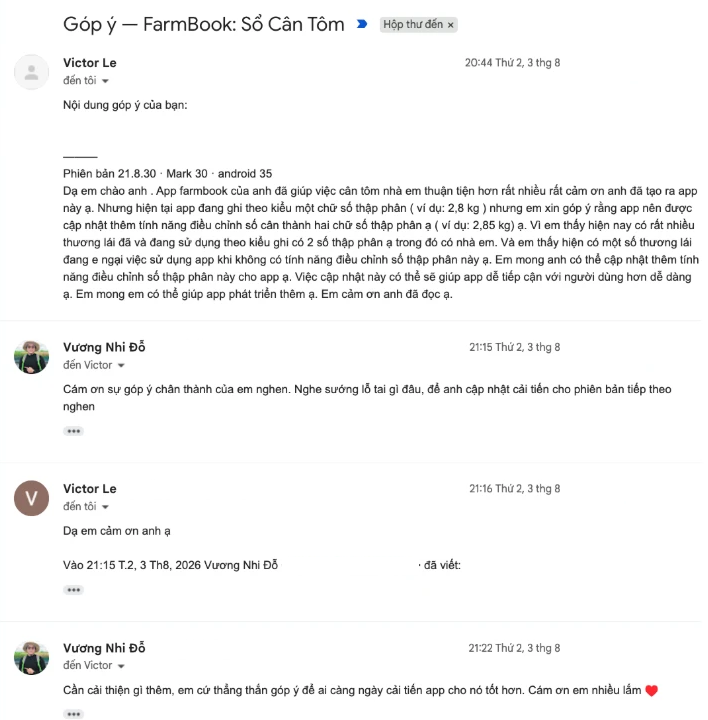
“Đã giúp việc cân tôm nhà em thuận tiện hơn rất nhiều.”
It has made weighing shrimp at our place much easier.
Song Thư Trần Lương
Google Play · Sep 3, 2026
★★★★★
“ứng dụng tốt thích hợp tất cả các fram nuôi tôm”
good app, fits every shrimp farm
Yennhi13
App Store · Aug 2, 2026
★★★★★
“App dễ sử dụng, thống kê được từng vụ.”
Easy to use, and it keeps stats for every crop.
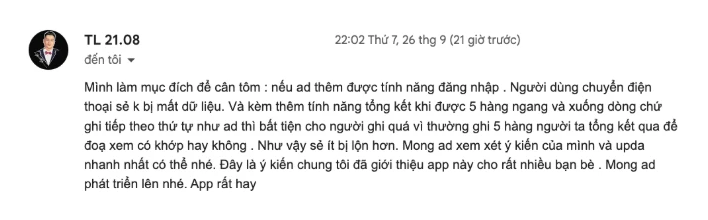
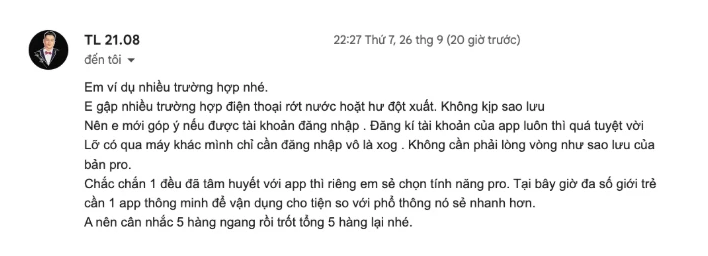
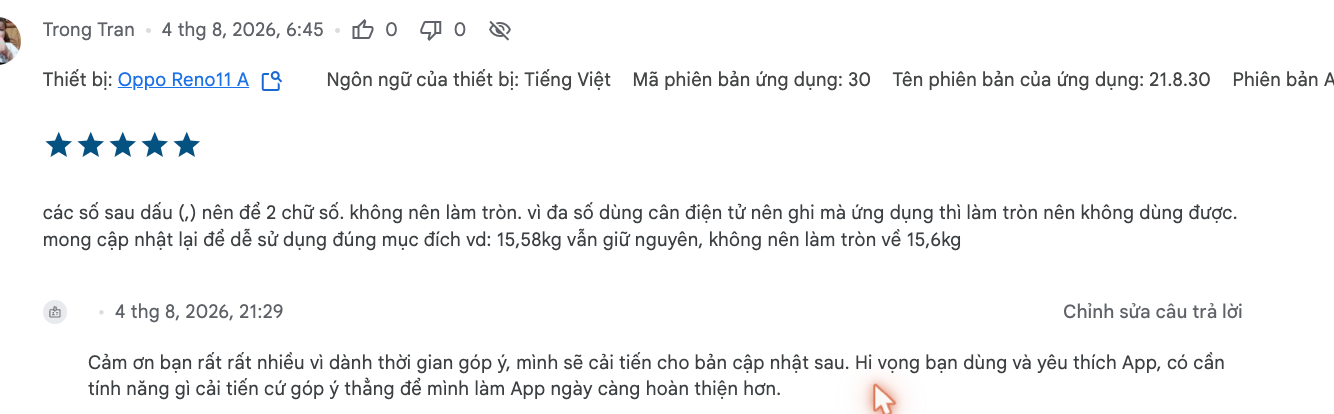
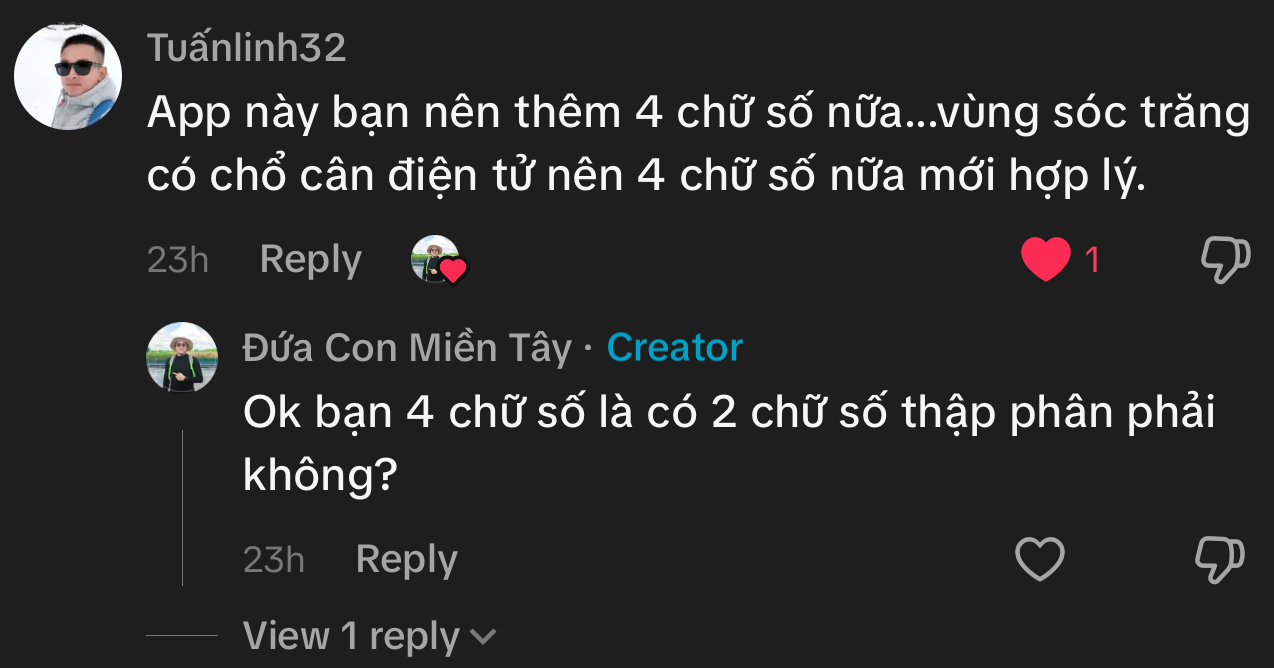
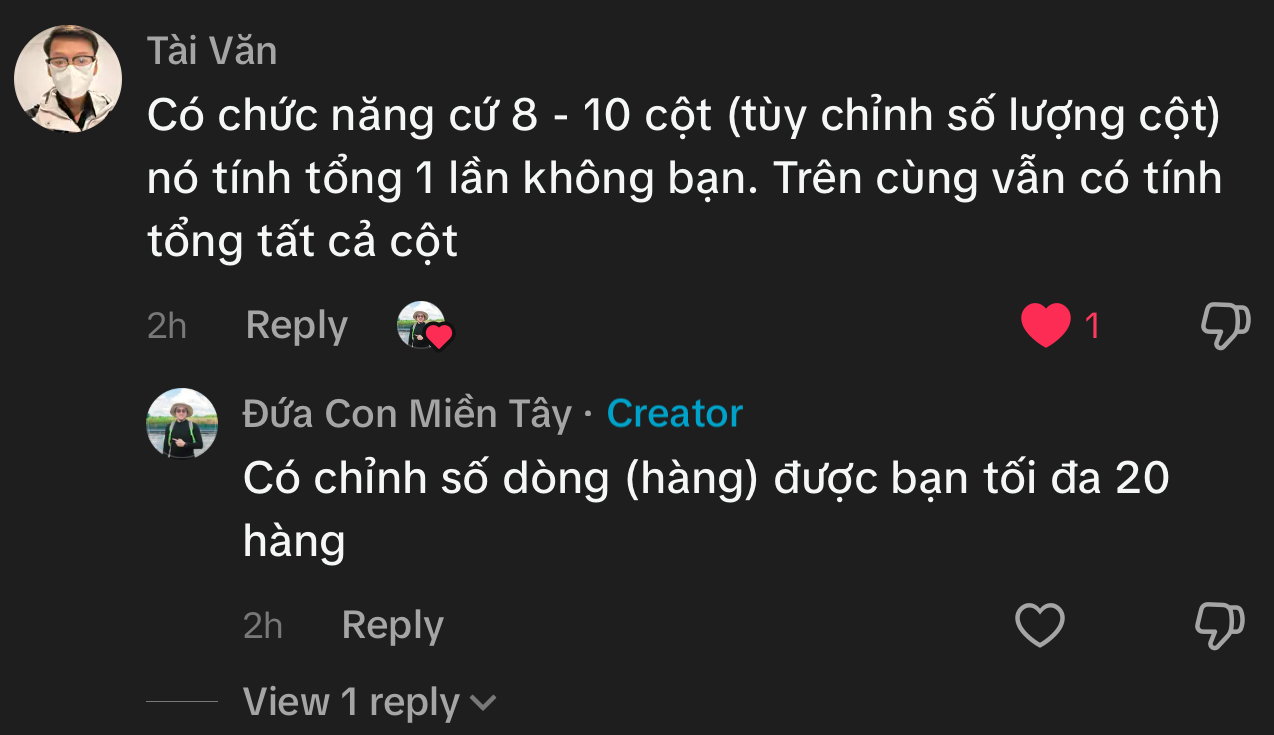
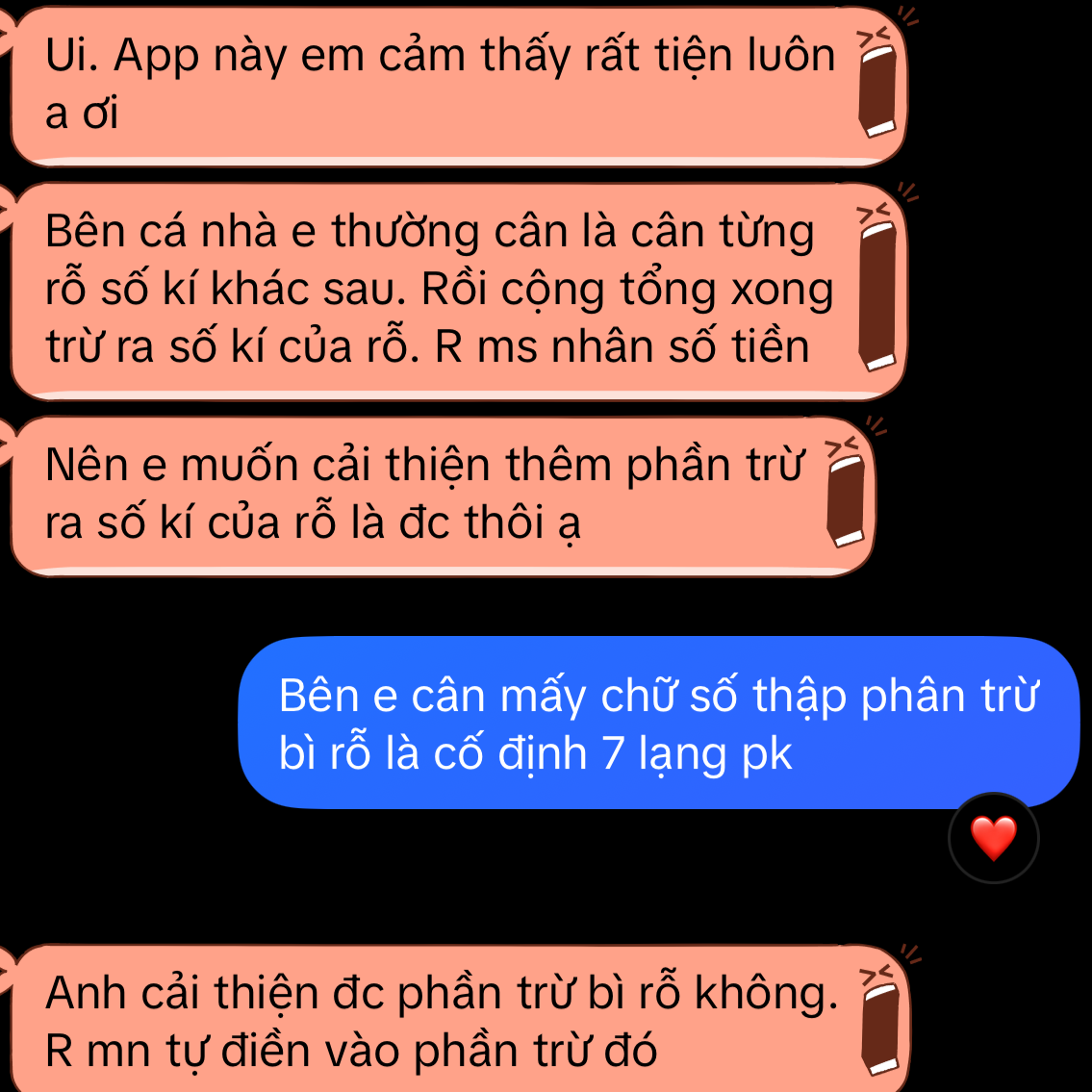
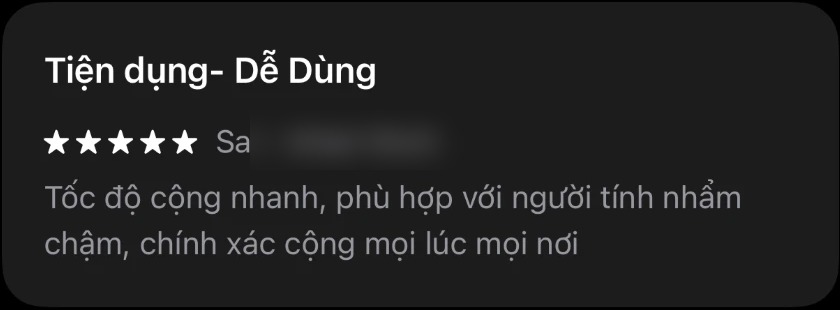
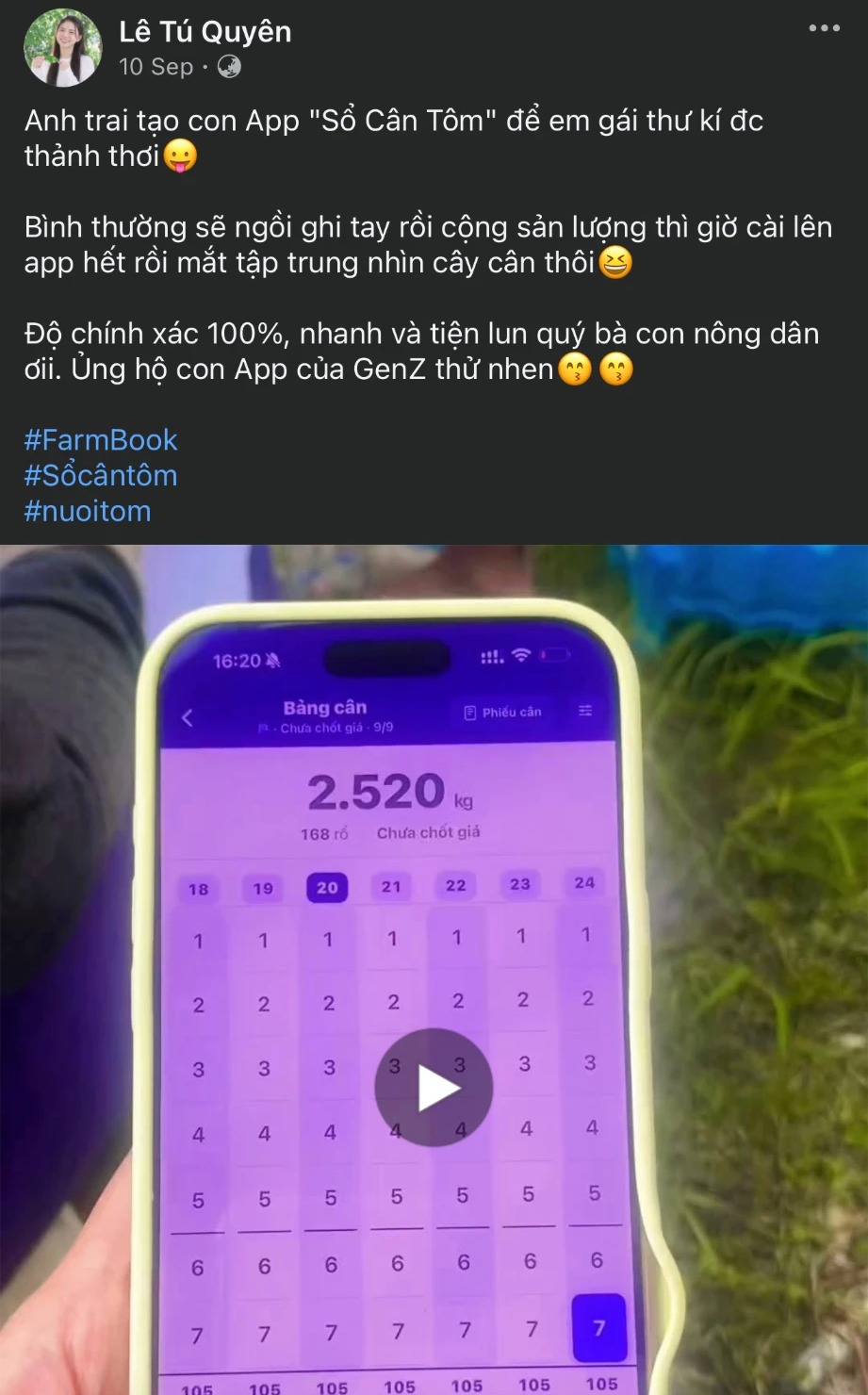
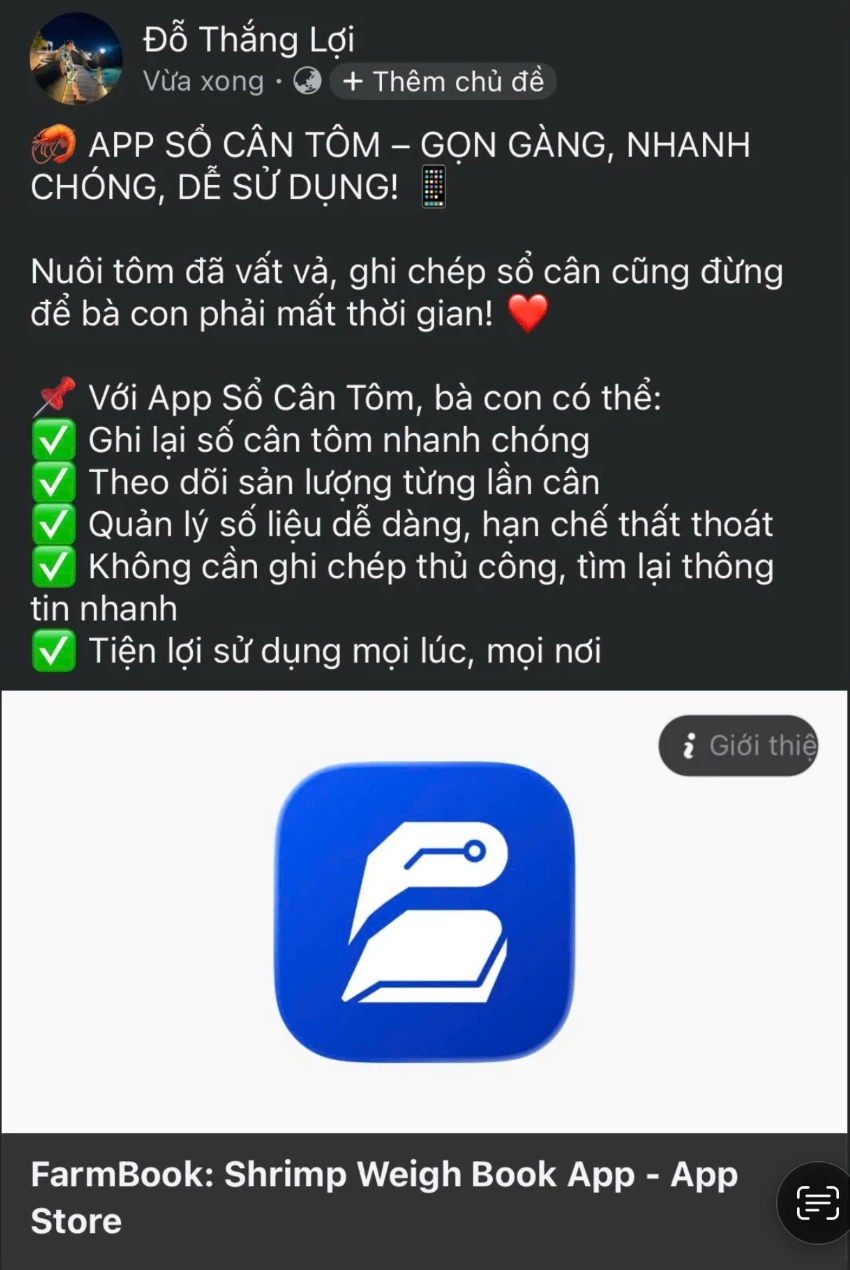
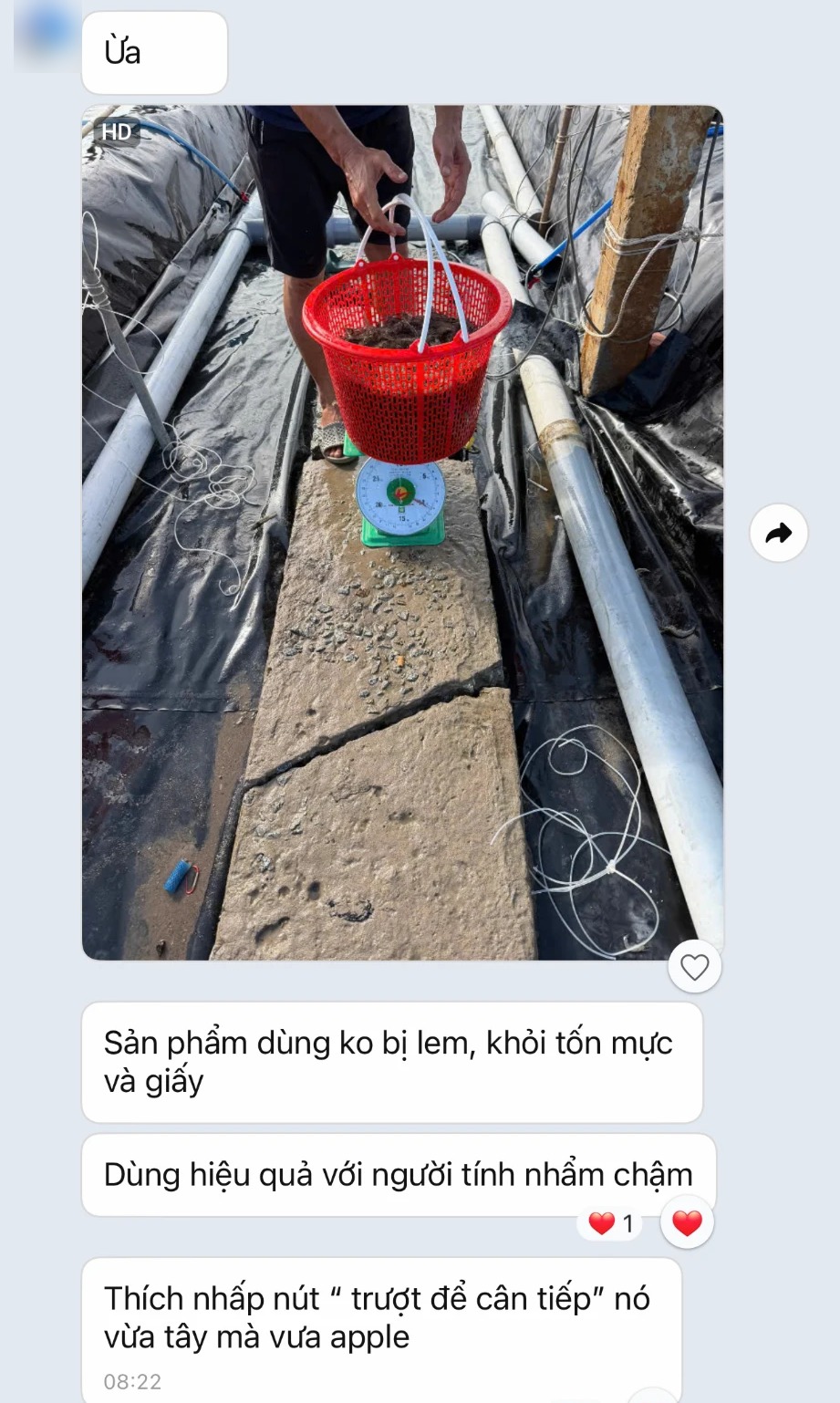
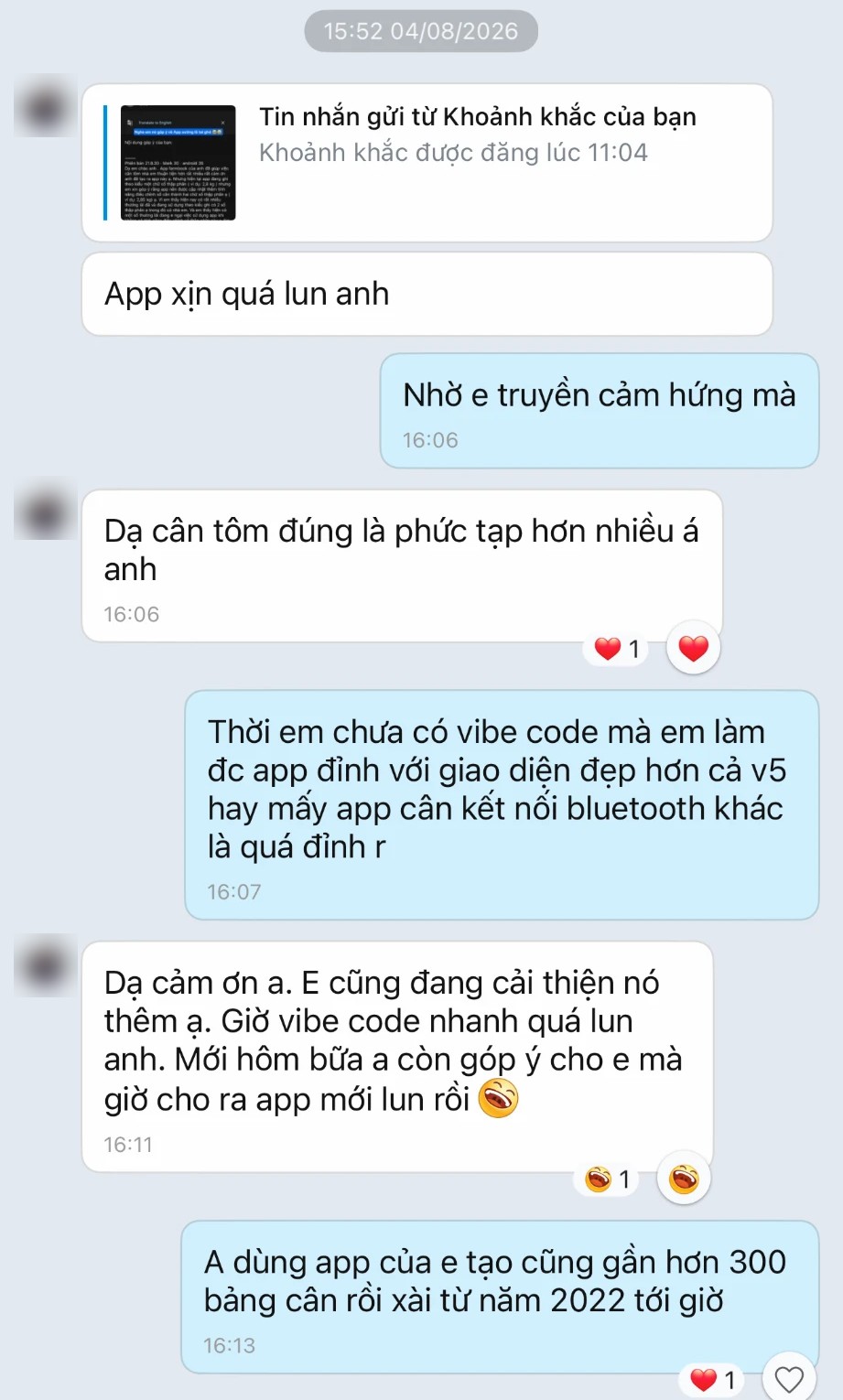
33 messages from farmers, as screenshots. Kept in Vietnamese, not a word changed.





















Pricing
Try it free, enough to know whether it suits your hands. If it does, unlock Pro and weigh without limits.
Free
0₫
No account. Open the app and start weighing.
Pay once
Pro for life
399,000₫
About the price of a few kilos of shrimp. Pay once, keep it.
Anything added later is included. No auto-charge, no hidden fees.
Want to try Pro for one crop first? There is a yearly plan at 199,000₫. Use it more than two years and lifetime is the better deal.
No ads, everI don’t sell anyone’s data.
Prices are shown in Vietnamese dong and include tax; the App Store and Google Play show the price in your own currency. The lifetime plan never auto-charges. The yearly plan auto-renews on iPhone (cancel any time); on Android it is prepaid for one year and does not renew. Free limits are set out in the Terms.
Weigh as usual. Weighing, pricing, debts, printing and moving a sheet by QR code all work without internet. Only buying Pro needs a connection for a moment, so the store can confirm it.
Yes. You weigh on one phone, the buyer on another. When you finish, scan each other’s code and the app shows which basket differs, by how many kilos and how much money. To pass a sheet back and forth, send it by chat app, AirDrop or QR code. The app compares the two copies and asks which one you want. The older copy is always kept aside, never lost. The free version can do this too.
Turn on Weigher mode in Settings and set a 4-digit owner code. Your crew weighs and records baskets as usual. Deleting a sheet, changing a price, settling up or seeing the money books needs the owner code. This mode is part of Pro.
Not with Pro, as long as iCloud Drive (iPhone) or Google backup (Android) is on. If it is off, the app tells you. Each time you finalize a sheet, the app saves a copy to your own iCloud or Google. Get a new phone, sign in with the same account, open the app, tap Restore, and the whole book is back. On the free plan the book lives only on the phone, so losing the phone means losing the book.
Open the app on the new phone and tap Restore: Pro pulls in the latest automatic backup. Moving between iPhone and Android? Export an Excel file on the old phone and restore it on the new one. Pro comes back through your App Store or Google Play account with no second purchase. Switching stores means buying again, since each store bills separately.
Your old sheets stay, none are lost. You just can’t create new ones until you unlock Pro. The app shows how many are left right on the home screen, so you never have to guess. The free allowance belongs to the phone. Deleting and reinstalling the app, or updating it, does not add more. The exact numbers are on the Terms page.
The book lives on your phone. There is no account, so nobody can log in and look at it. What the app sends, when, and where to turn it off are all set out on the Privacy page.
Pick the province and commune from Vietnam's new official list, then type the hamlet. Two farms with the same name in different communes are easy to tell apart. Optional. The app reminds you when a farm is missing details.
Yes. From version 21.8.46 the app runs full screen on iPad and iPhone Duo, and turns sideways. On an iPad held sideways, baskets sit on one side and the keypad on the other. Bought Pro on your iPhone? Open the iPad with the same App Store account and tap restore. No need to pay again.
Yes. If the scale says 15.58, the book says 15.58, no rounding. Choose two decimals in the weighing sheet settings.

Download it, open a weighing sheet, type the first basket. One minute and you'll know if it suits you.

Empty one pond and it is three or four hundred baskets, weighed from midnight to sunrise. For four years I kept our book in a rice-weighing app, but rice has no sizes, no deposits, no debts per buyer. I never found an app made for shrimp, so I built one, for my own family first.
I build this app on my own. If something isn't right, tell me.